

Can you send and receive faxes from your Microsoft Outlook account? The answer is a resounding yes! This article is geared up to guide you through the simplicity and convenience of faxing via any standard email client, notably Outlook. If you’re utilizing the most recent version of Outlook for Office 365 or Outlook 2013 on Windows or Mac, or want to know more about cloud-based fax solutions, this is the go-to piece you won’t want to miss.
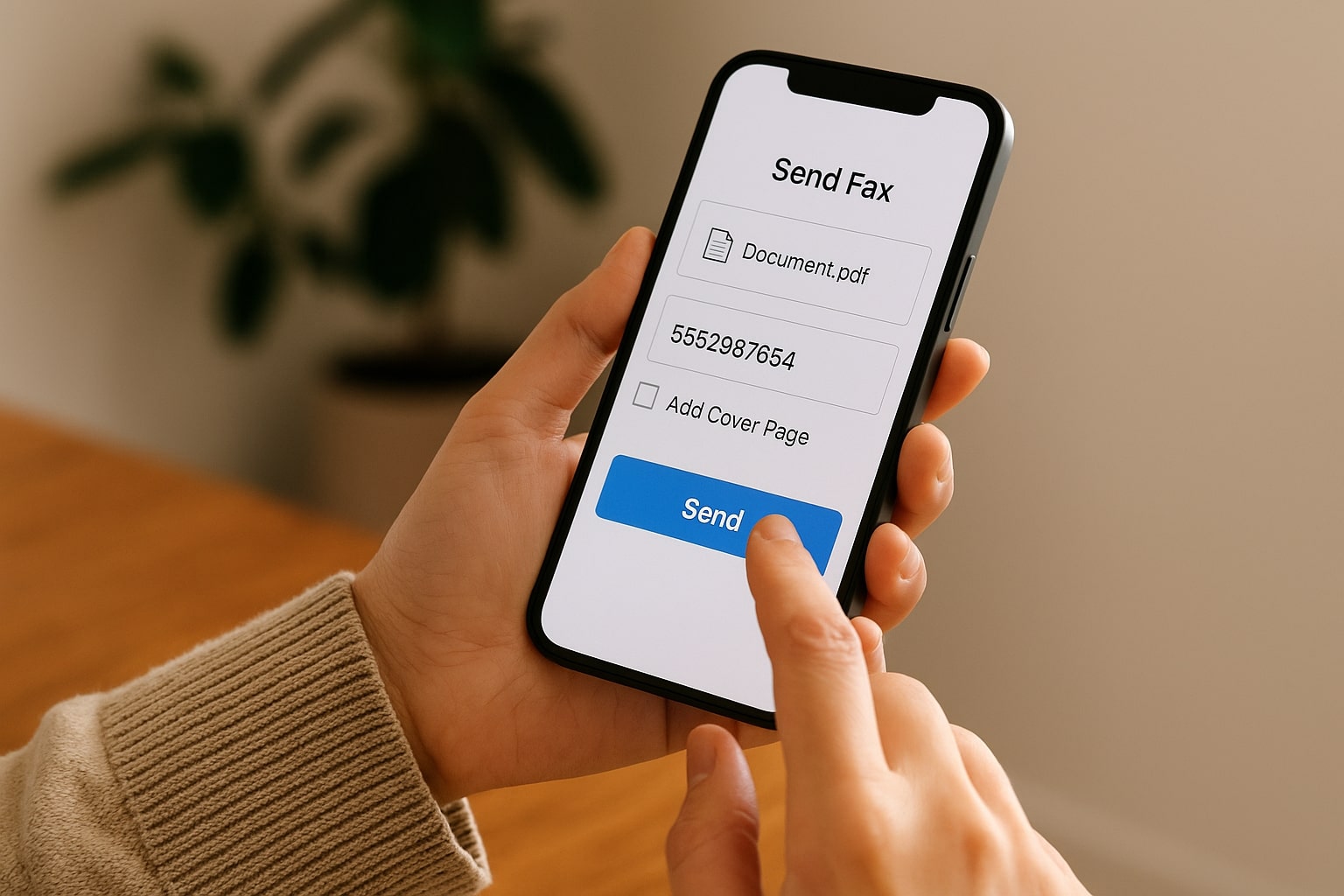
We, as an online faxing service FaxBurner, ensure a seamless experience for our customers. We offer a straightforward free fax app for iPhone and a user-friendly free email to fax service for computer and phone. Whether you’re an individual or a business user, whether you use Gmail, Yahoo, MS Outlook, or any other email provider, we have the built-in capabilities to help you send and receive faxes with ease from any device.
HOW TO SEND A FAX FROM OUTLOOK 2016?
Sending a fax using Outlook 2016 or any other version of the software is incredibly straightforward. All you have to do is follow the steps below:
- Create a FaxBurner account. We offer a free account or premium for those who desire more robust features and higher sending limits.
- Once you choose your subscription, register your Outlook email address when you create your FaxBurner account.
- Go into Outlook to compose an email.
- The email recipient should be send@faxburner.com.
- Enter the receiver’s fax number in the subject line.
- If you would like there to be a cover sheet, compose that in the body of the email message.
- Attach the document you want to be faxed as a PDF file.
- Click send to transmit your fax and wait for the email with confirmation.
See how easy it is? Better yet, all of this can be done using a free account that you can create with FaxBurner. The good news is that it works with all versions of Outlook on Windows or a Mac. Just remember to send the fax using the email address you used to create your FaxBurner account. That is your Outlook email address.
A free account is perfect for individual users. However, if you run a business and send faxes on a daily basis, we recommend investing in a premium subscription. That way, you’ll get unlimited access to all the features coming with FaxBurner, including a permanent fax number.
EMAIL TO FAX FEATURES
As mentioned before, you have two choices when using FaxBurner. You can either choose an unpaid or paid version.
If you choose a free account, you will be given a temporary fax number which will allow you to send up to five pages via email or using our app. You will also be able to receive 25 pages of documents per month. It might not look overly impressive, but if you’re a person using fax only once in a while, these numbers should be enough.
By upgrading to a paid version, you can send and receive 500 or 2000 pages depending on the tier you select (Professional or Premier). You’ll also get your own permanent, toll-free fax number. This is a great deal, especially if you send and receive faxes on a regular basis.
The best thing about FaxBurner, though, is that there’s no need for a fax machine to use it. This makes it a perfect choice for people trying to cut down on paper or try to save money on fax machine maintenance and repairs.
BENEFITS OF EMAIL FAXING USING OUTLOOK
As you can see then, faxing using Microsoft Outlook is fast and simple. However, it’s much more than that. Connecting your Outlook email to online fax services comes with many more benefits, including:
- Ease of use: If you can send an email, you can send a fax with FaxBurner!
- Send faxes without investing in a dedicated fax machine or modem – all you need is a device connected to the internet.
- Easily edit and sign faxes using our iOS or Android app that you can download from Google Play or App Store for free.
- Faxing with email helps you or your company go paperless and work more effectively.
- Using internet fax will help your business save money on paper and fax machine maintenance.
- Fax without a dedicated phone line.
Incoming faxes will come straight to your Outlook email address attached as a PDF. These faxes will also be stored in the cloud, accessible from within your account or the FaxBurner app. That way, you’ll always be able to access your documents.
With FaxBurner, you can send a fax with Outlook or any other email client. Just take a few moments to set up your account, choose your subscription, download an app, and connect your Outlook email with the service. Once you do that, you’ll be able to take advantage of every feature FaxBurner has to offer.
FAXING FROM OUTLOOK: SUMMARY
Sending and receiving online faxes has never been easier. Nowadays, thanks to online fax services like FaxBurner, anyone can reap the benefits of internet faxing. As you can see, you can even use your Outlook account to send faxes, which is incredibly convenient if you use Outlook constantly at home or work.
However, the best thing about online faxing is that you don’t need to invest in a clunky fax machine. All you need is a device connected to the internet, and you’re good to go. Thanks to that, not a single piece of paper is used, and you can send your documents much faster.
In other words, if you want to fax any document, using an online faxing service is the best option!