
Are you equipped with the knowledge to make an informed decision about which type of faxing works best for your business? You might have an idea of how to choose a telephone or internet provider, but not everyone stops to think about their faxing needs. Do you know if your machine is based on analog or digital technology, and what type of network it needs to run smoothly?
If you don’t, we can help!
FaxBurner is an online faxing service that takes the guesswork out of it. It offers a free fax app for iPhone and a free email-to-fax service for computers and phones, both designed to make faxing effortless.
Analog and Digital Fax Technology at a Glance
When it comes to transmitting messages over phones and fax machines, there are two different technologies that support the message flow: analog and digital. And each carries a fax signal in a completely different way.
The type of technology involved shapes everything from transmission speed to the kind of equipment a fax needs to work. Here’s a quick side-by-side look at how the two compare:
| Category | Analog | Digital |
|---|---|---|
| Signal Type | Continuous electronic pulses | Binary code (zeroes and ones) |
| Speed | Slower | Faster |
| Common Devices | Older fax machines, POTS lines | Modern fax machines, VoIP, FoIP, online fax services |
| Where It’s Used Today | The local loop between your phone jack and the Central Office | Everywhere else in the network, including internet-based faxing |
A Deeper Look at Analog Fax Transmission
Analog technology has been part of faxing since the earliest machines, and it’s still part of how a fax moves today. It works by translating your message into a series of electronic pulses, which travel through the network to the receiving device. That device then translates the pulses back into the original message.
Analog is the older of the two technologies, but it’s still a dependable way to move a fax signal across a standard phone line.
A Deeper Look at Digital Fax Transmission
Digital technology takes a different approach.
Instead of pulses, it breaks your message into binary code (the same language that your smartphone and computer use), a string of zeros and ones, and sends that code through the network to its destination. The receiving device has to read and reassemble the code to display the original message.
Digital transmission moves faster than analog, which is one reason it’s now the standard for modern fax machines.
How Your Fax Travels Over a Phone Line
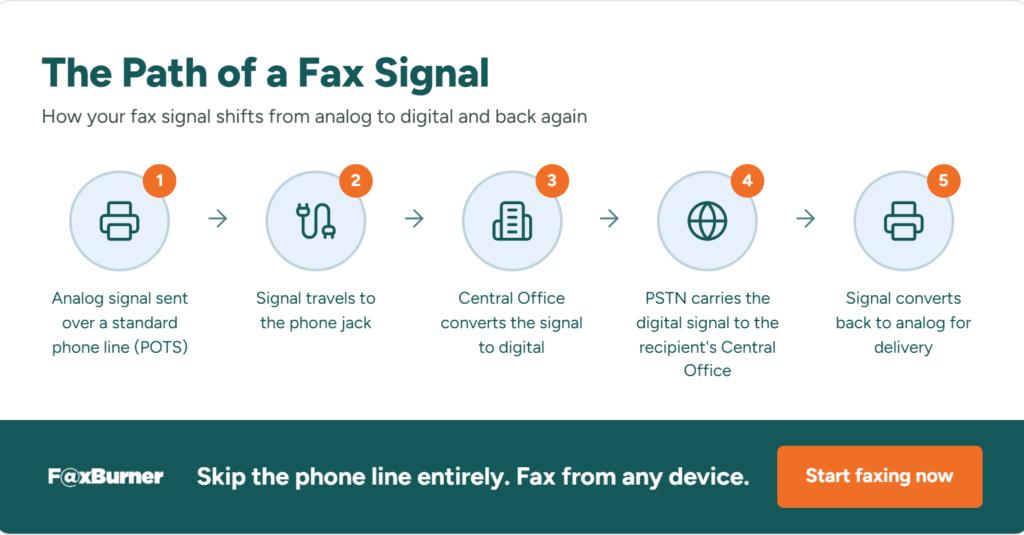
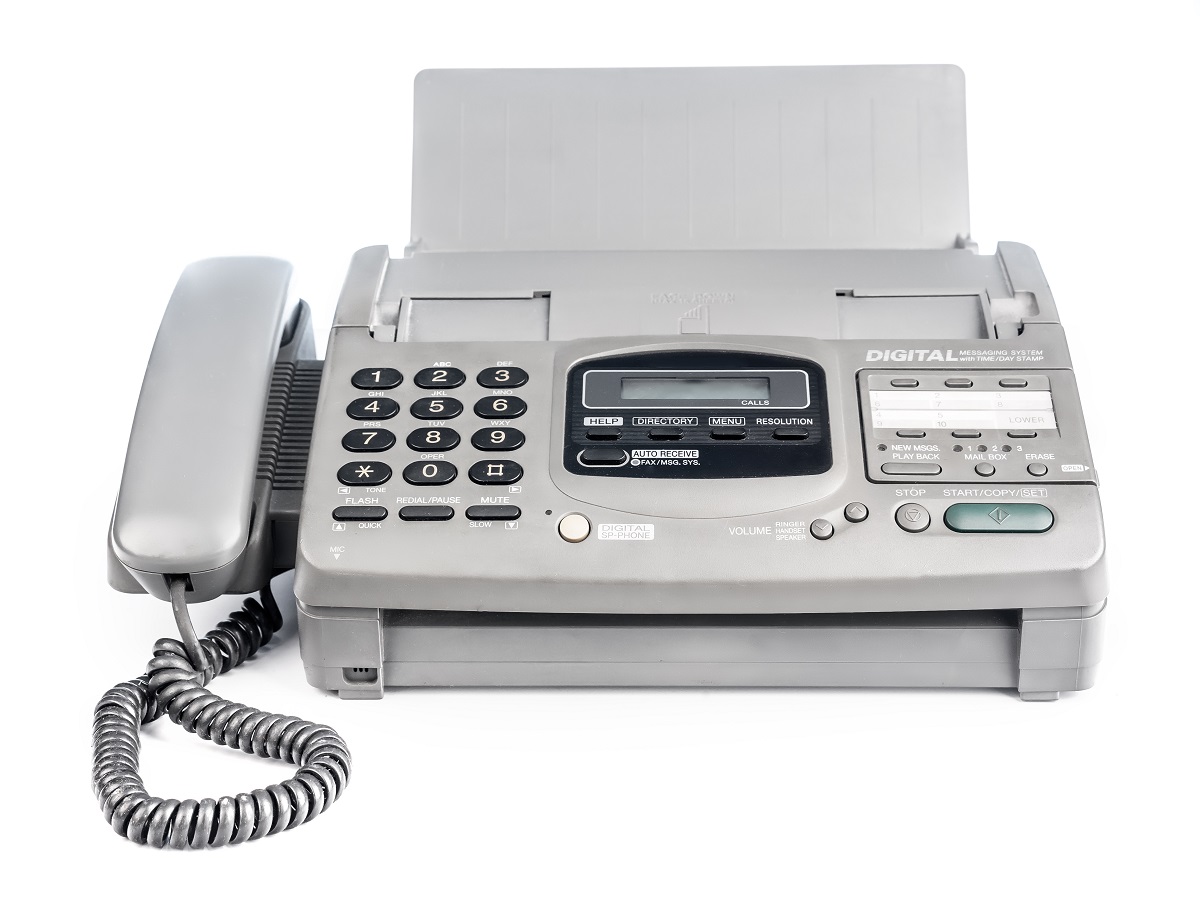
A traditional fax machine scans a document, converts it into a signal, and sends that signal to another fax machine over a phone line. Here’s the thing that surprises many people: that line carries both analog and digital signals, depending on where the signal is in its trip:
- Your fax machine sends the signal using analog technology over a standard phone line, known as Plain Old Telephone Service (POTS).
- Two copper wires carry that analog signal from your fax machine to the phone jack.
- The signal reaches the Central Office (CO), where it’s converted into a digital message.
- The digital message travels through the Public Switched Telephone Network (PSTN) to the CO nearest the recipient.
- That CO converts the signal back into analog before it reaches the recipient’s fax machine.
So a single fax can cross the network as analog, switch to digital, and switch back to analog again, all in the time it takes to send one page.
Alternatives to Traditional Phone Lines
As fax technology has evolved, more modern options for sending faxes have become available. A dedicated fax server or an online fax service like FaxBurner skips the traditional fax machine altogether and handles the transmission digitally from end to end.
Here’s how the main options square up against one another:
| Method | How It Works | Best For |
|---|---|---|
| VoIP | Connects to the PSTN through a standard internet connection instead of a phone line | Cutting a phone line while keeping the same underlying network |
| FoIP | Runs on a separate network built specifically for fax modem traffic | Businesses sending high volumes of faxes over IP |
| Online Fax Service | Skips the fax machine and phone line entirely, sending and receiving through email or an app | Anyone who wants to fax without the hardware |
How the Device Impacts the Transmission Method
The device you use also shapes how the signal moves. The earliest fax machines were entirely analog, transmitting scanned lines as a continuous signal over the phone line.
That started to change in the 1960s, when digital technology took over. Virtually every fax machine made today is digital in that it digitizes the signal from the scanner and compresses it before sending. This digitization is also why you’re now able to send larger documents over a standard phone line without the transmission slowing to a crawl.
Conclusion
Modern fax machines are digital devices, but they still rely on the same phone network that carries analog signals. Whether you’re using a traditional machine, VoIP, FoIP, or an online fax service, the technology behind the scenes decides how your document gets from one point to another. Understanding that difference can help you pick the setup that fits how you actually work.
Ready to skip the hardware entirely? FaxBurner lets you send and receive faxes from your email or phone, with a free plan and no credit card required.