


As one of the most popular email providers, Gmail has made a name for itself in both personal and business sectors with its user-friendly interface and array of features. Among these features is the convenience of online faxing directly through Gmail, which is as simple as sending an email attachment. If you are interested in learning how to send faxes using your Gmail account, stay with us. This article will guide you through simple steps to help you fax in no time!
Looking for other digital faxing options? We have the perfect solution at FaxBurner, an online faxing service that readily pairs with your Gmail account for easy faxing. With a free fax app for iPhone for those in need of on the go faxing as well as a free email to fax service for computer and phone, keeping up with your faxes has never been easier.
Convenience
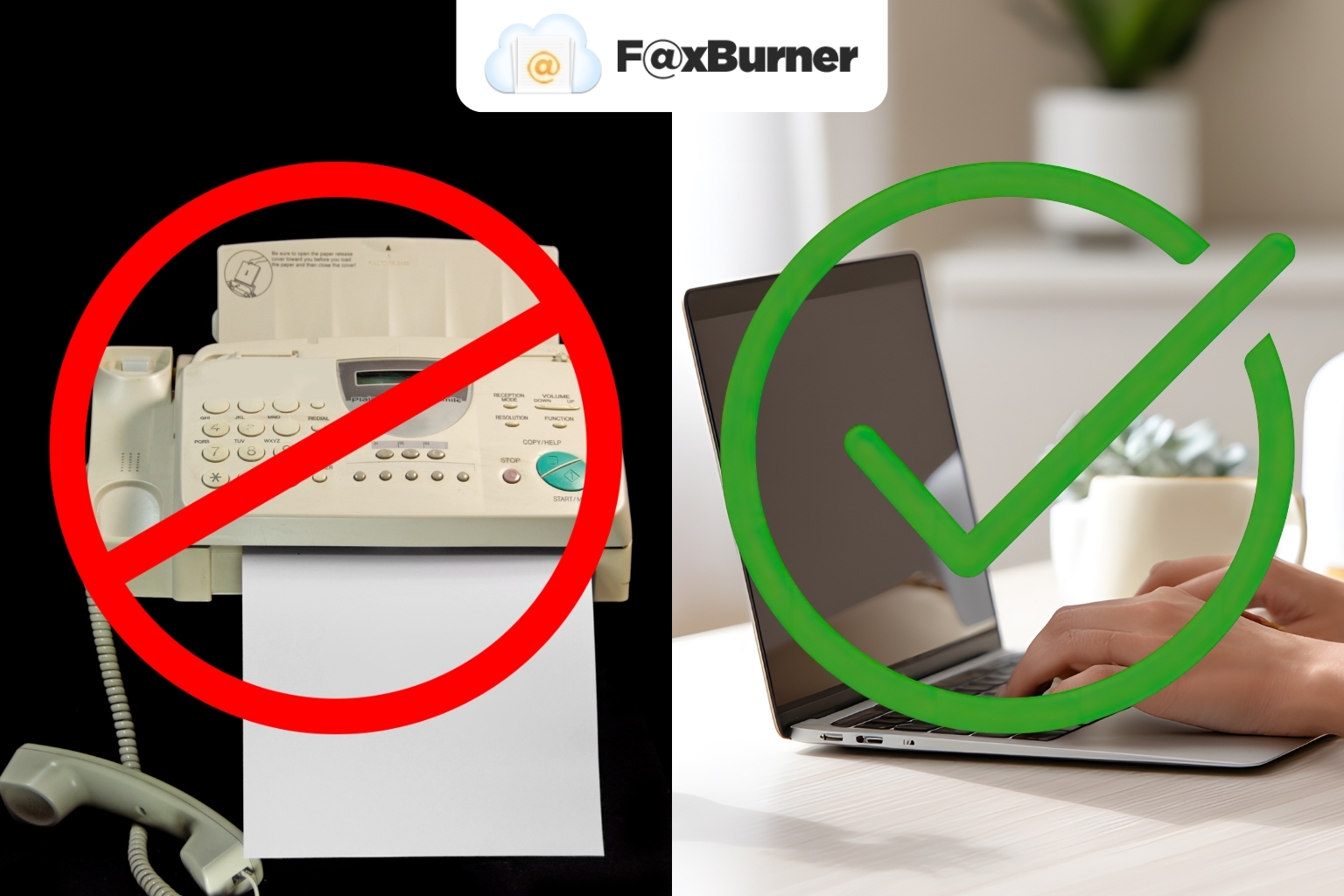
With FaxBurner’s digital online faxing, you can now effortlessly fax from Gmail using your smartphone or computer with incredible ease, speed, and convenience. This means you can avoid the hassle of using a machine to print and scan your documents.
But how do you send a fax from Gmail? Fortunately, the process is incredibly straightforward, and it takes just a minute or two to get everything set up. In this guide, we will explore how to fax from Gmail and help you determine if this method is a good fit for you.
How to Send Fax From Gmail
Interested in learning how to get started with our user-friendly service? Through this guide, we will cover everything there is to know about sending a fax from Gmail. Let’s get to it, starting with account creation.
Create Your FaxBurner Account
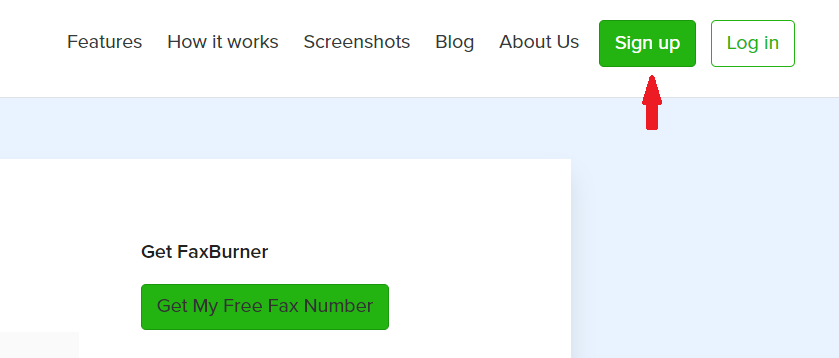
To send a fax from Gmail, you will need a Gmail account. If you don’t have one, go ahead and set that up first. Then, go to faxburner.com and select the option to sign up for our fax services.
Choose the package you want. You can send a fax from Gmail using the free online fax version of our app, but please do take a moment to consider the benefits of our professional and premier versions!
To send a fax from Gmail, you must provide a Gmail address. Once you’ve created your account and selected a password, you can reserve your fax number. That’s all you need to do through the FaxBurner dashboard.
Return to Gmail to Send Your Fax
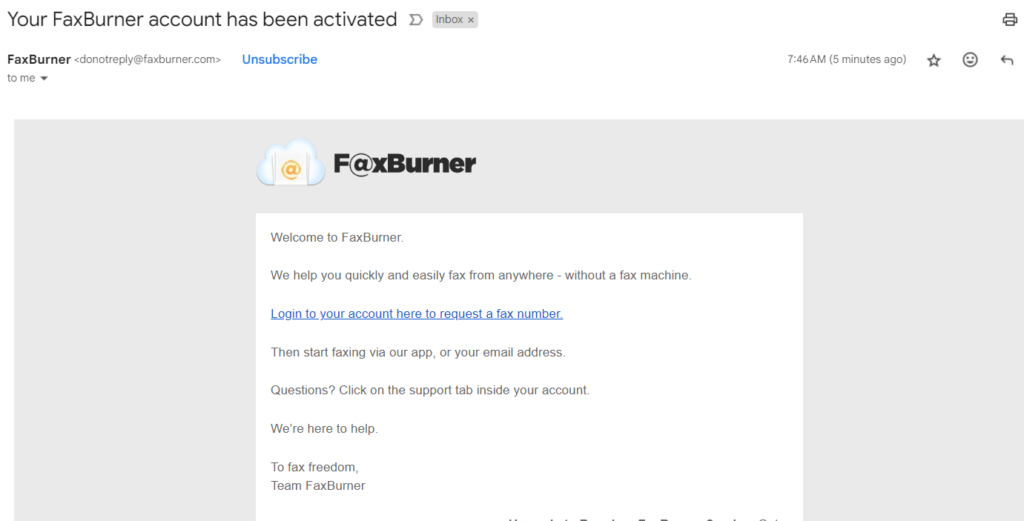
Now you can access your Gmail. It doesn’t matter if you use the Gmail app or the browser version; just be certain you’re using the same email account you used to create your FaxBurner account.
Create the Subject Line
Your subject line should include the receiver’s fax number. Don’t use your FaxBurner number; otherwise, you will only be sending a fax to yourself.
Create Email Body
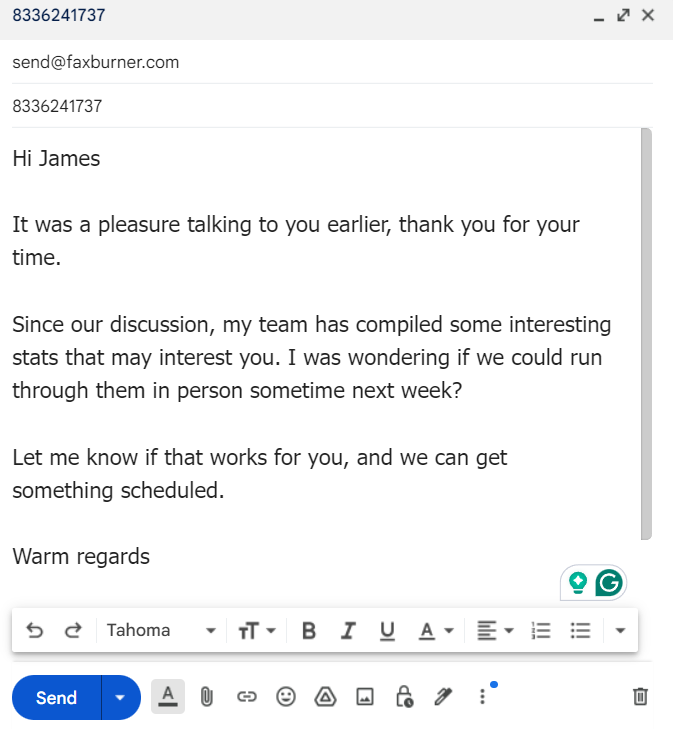
Now, you can type the body of your email if you wish. If you do, anything you type here will become the ‘cover letter’ of your fax. This is the benefit of using our online fax service to send a fax from Gmail (instead of a ‘normal’ fax machine), as you don’t have to spend time deciding upon a fax cover sheet template.
Attach the Documents to be Sent
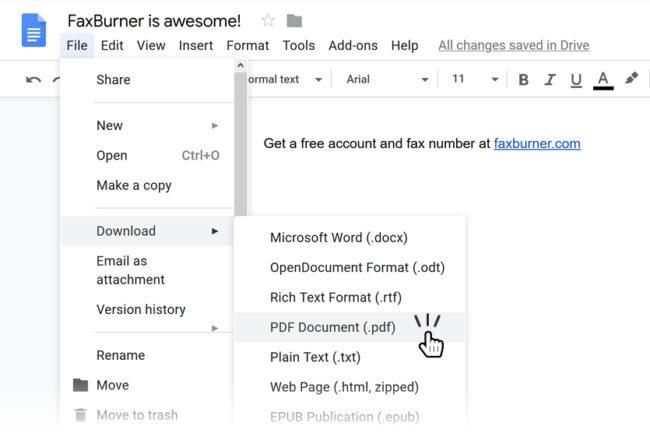
When you send a fax from Gmail with FaxBurner, all documents sent will be in PDF format. Alternatively, if you are using the FaxBurner app, you can fax using photos from your phone.
Fortunately, it is quite easy to convert your documents to PDF format. Most word processing software, such as Word or Google Docs, will save documents as PDF files. You can also print a document to a PDF file. There are also PDF conversion tools if you want to do this in a batch process.
Either way, you have several options, and most are free. Remember to attach your PDF to the email. Otherwise, the recipient of your Gmail fax will receive a blank page.
Send The Email – What Happens Now?
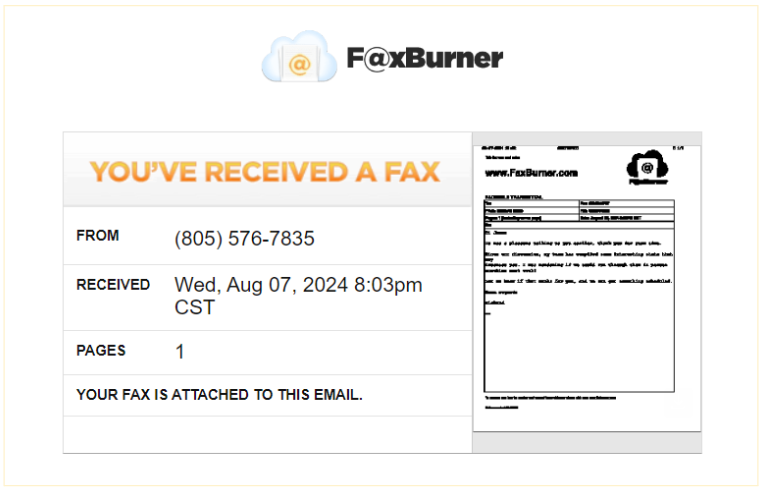
Once you attach your file, just hit send! We will then receive your email, and from there, we will match your email to your account. Then, the FaxBurner app software will get to work, using the phone number in the subject line as a fax number.
The body of your email is converted into a fax cover sheet. Remember, if you did not attach a PDF document, that is all the recipient will see. Finally, your attached documents will be converted into documents to be faxed.
That’s all there is to it… You have just learned how to fax from Gmail the simple way, with FaxBurner!
What Will The Recipient See?
This process is completely obscured. Your recipient won’t see your email address. All they will see is the fax you sent them from your fax number. It’s as if you are sending a fax from a machine at a local print and copy shop.
Are There Any Limitations?
Only if you have a free fax account. In that case, you can send a total of five pages. That should give you the opportunity to send a one-off fax using our software, and to determine whether or not you like our tool.
Our free fax service provides a free fax number for 24-hour use. If you do select one of the monthly accounts, you’ll have the option to archive your faxes, keep your fax number forever, and send between 500 and 2000 pages every month.
Best Online Fax Services to Use with Gmail
Online faxing has completely revolutionized the way we send and receive documents. While several apps offer this service, FaxBurner has become the most popular thanks to its ease of use and flexibility.
With FaxBurner, you can send and receive faxes straight from your desktop browser or through the mobile app available in the App Store. Whether you choose the free version, providing up to five fax pages, or a premium package for more consistent use, FaxBurner is an effortless, cost effective experience.
The free package includes a disposable fax number and the ability to send up to 5 pages per month. For more frequent faxing needs, you might benefit from the Professional or Premier plans, which both offer toll-free numbers and higher page limits.
Final Thoughts: Why Send a Fax From Gmail?
For most people, sending a fax from Gmail using FaxBurner allows them to communicate documents with someone who does not have email instantly, conveniently, and quickly. For others, using email for sending faxes is necessary to accommodate data security concerns.
Either way, whatever your reasons for wanting to send faxes via Gmail, remember to sign up to FaxBurner and take a look at our additional plans to meet your ongoing fax needs!
Frequently Asked Questions
Can you send a fax from Gmail?
Yes, you can send a fax from Gmail using FaxBurner’s service. This service simplifies the process by integrating email and faxing.
How to send a fax from Gmail?
To send a fax from Gmail, simply create an email with the recipient’s fax number in the subject line, compose cover letter contents in the body of the email, and attach your documents.
How to send a fax from Gmail for free?
You can send a fax from Gmail for free using FaxBurner’s free plan, which includes limited pages and a temporary fax number.
Google fax from Gmail: How does it work?
Google Fax from Gmail involves using your Gmail account to send faxes via FaxBurner, which converts your email into a fax.