
Do you find yourself needing to fax a document that’s already printed on two sides. So how do you send a double-sided fax? Is it easy? Hard? Worth the effort?
Some fax machines or printers have a “duplex” feature which allows users to send a double-sided document. Without that feature double-sided faxing is a bit more of an ordeal. Especially if you have many faxes or lots of pages to send over. But there are some workarounds.
The choice is yours, spring for a machine or software with a “duplex” fax feature, do some manual workarounds, or seek an alternative option.
In today’s post we’ll cover the “how” of all three scenarios along along with some helpful insights.
If you have a machine that supports double-sided faxing…
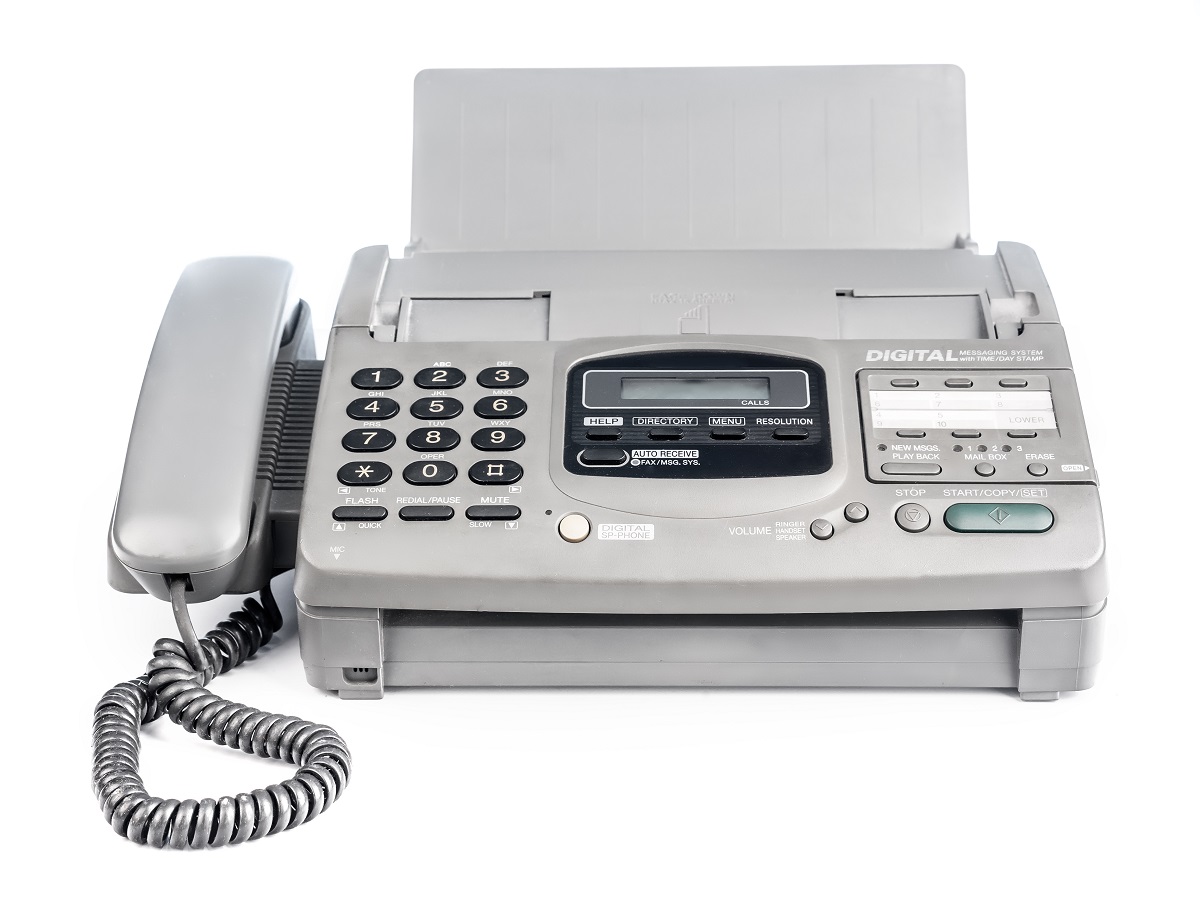
After confirming that your model of fax machine has the “duplex” fax feature, you simply need to press a button which says “duplex” or “double-sided” to activate double-sided faxing.
Next, place the document you want to fax into the feeder tray and key in the number that will be receiving the fax.
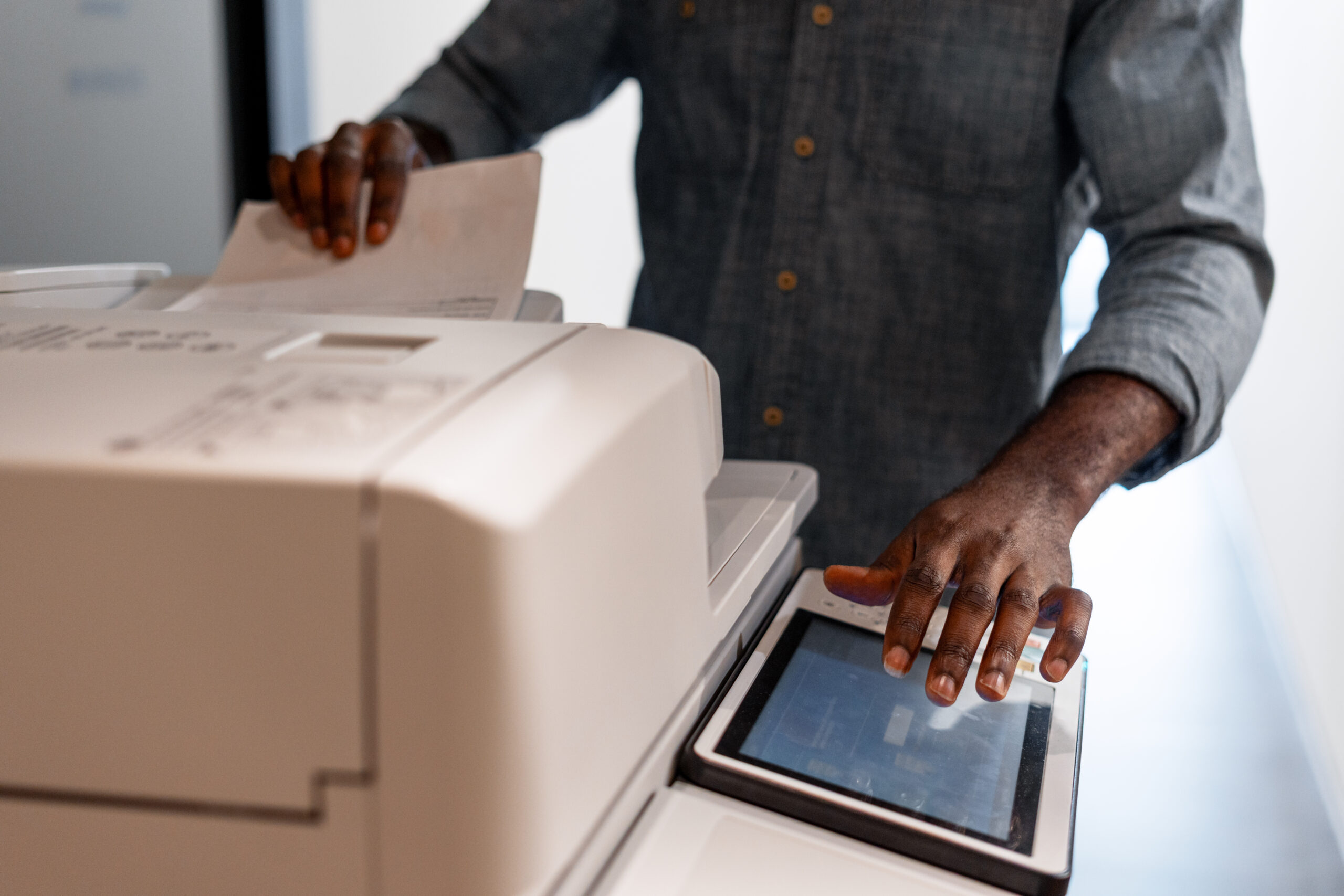
The feeder can automatically flip the document and collate it into the proper order before sending.
If your fax machine does not support duplex faxing…
If you lack the duplex feature, you’ll have to do some extra printing to get the job done. The front(s) or back(s) of the pages will need to be reprinted or scanned to create the missing pages, which you’ll then collate into the proper order.
Alternatively, can leave the legwork for your recipient. Since the receiving fax will only print one sided (unless they have duplex printing), you can tell your recipient that they’ll receive the odd pages first, followed by the evens. Naturally, with longer faxes or pages that aren’t numbered, this option is not ideal.
It all depends on your needs, situation, and relationship with the recipient.
Using an online fax service
Another option is to simply use an online fax service like FaxBurner and skip the printing altogether. Instead of faxing a double-sided printout, you can simply attach the document itself – if you have it.
Or, use your smartphone camera to take photos of the document in the proper order and let the app create a properly ordered document for you!
Then simply enter the recipients fax number, hit send and “Voila.”
Your double-sided fax is sent without the need for a machine, dedicated fax line, or paper. FaxBurner gives you your own fax number to receive fax documents as well.
Download our App here to get started.
Summing up duplex or double-sided faxing
Faxing a double-sided document is certainly possible. Your options are to either use a fax machine or software with a duplex or double-sided feature, reprint or scan the opposing pages (or have your recipient do that), or simply use FaxBurner’s app or online software to fax the original document, or photos of the pages in their proper order. It’s all up to you and your unique needs!