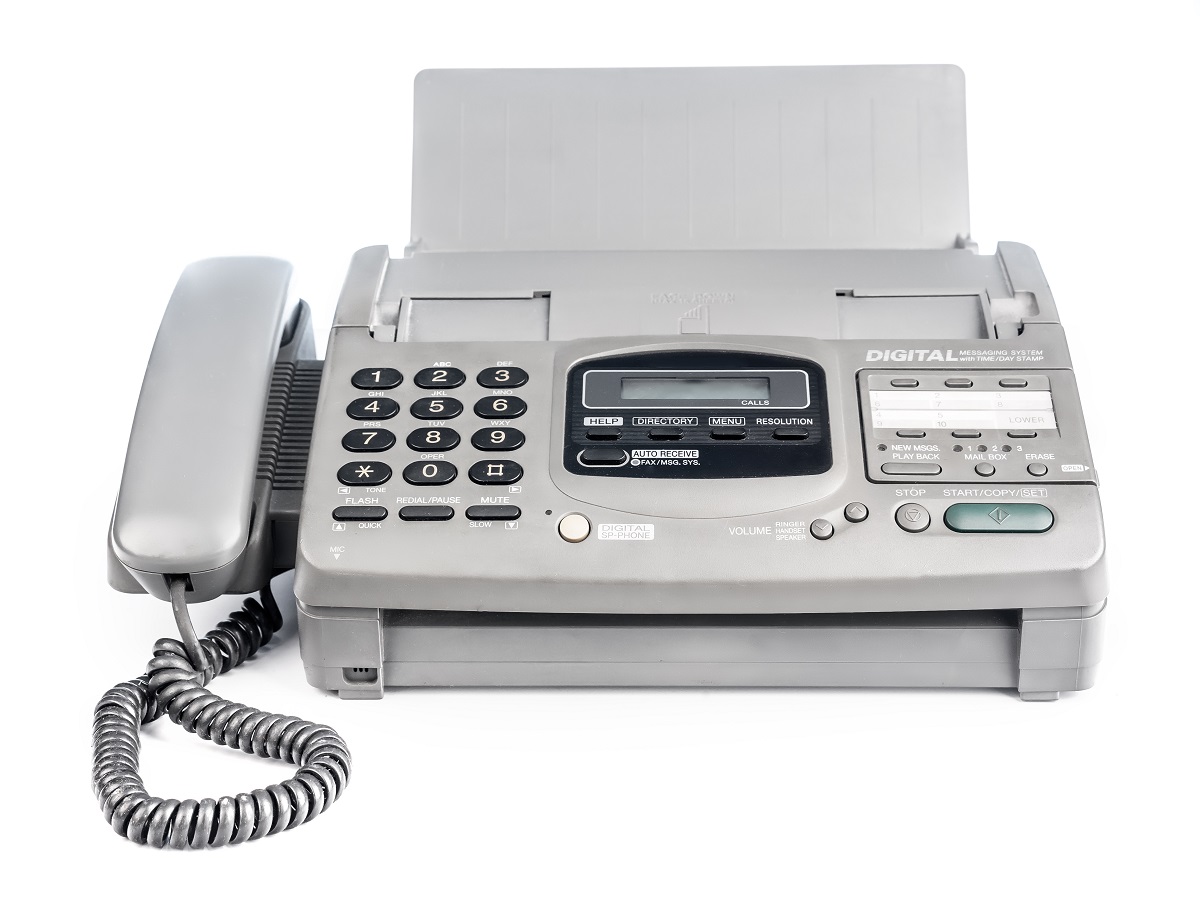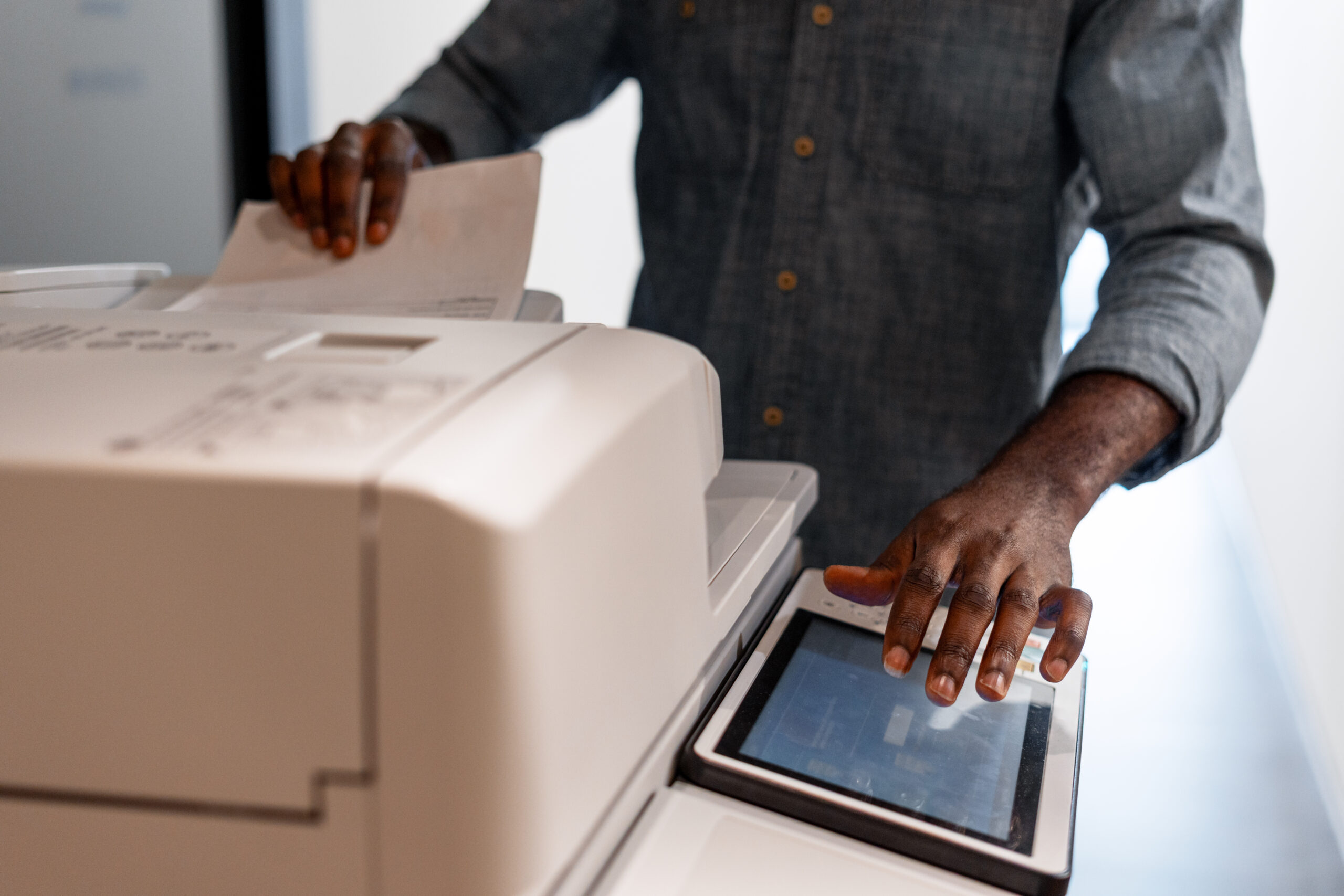

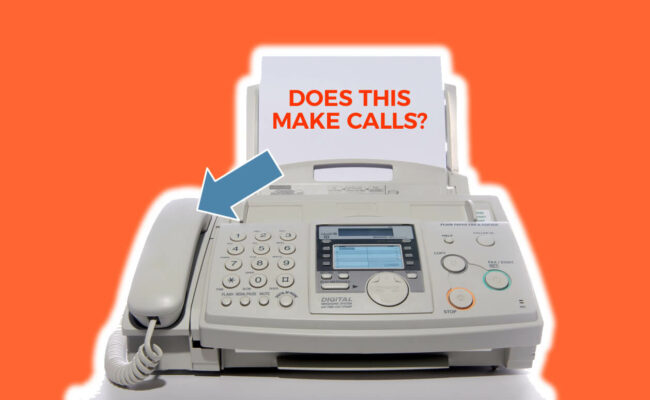
The fax machine is most commonly used to send, receive, or scan various documents. However, when you take a closer look at it, it really looks like a big phone. In fact, you might have wondered the same thing as many of us have.
The question is:
“Can I make a phone call with my fax machine?”
Well, most of the time, you will. However, there are some conditions that have to be met first before you do get to call someone with a fax machine.
Through a Standard Phone Line
The process fax machines undergo is this: the machine scans a document, transfers it into a digital image, then modulates it into a sound and sends the data to another fax machine through the network. Traditionally, fax machines are plugged into a Plain Old Telephone Service (POTS) line, which carries messages between devices.
This type of line was the standard service offering from the telephone companies up until 1988. This is because by then, new technologies were developed and other types of lines were introduced.
Today, POTS remains the basic form connection for residential as well as small business to telephone networks in many areas within the globe. However, telephone companies lean to providing more modern services based on IP connection.
That said, POTS can carry any kind of messages – fax, voice, modem – from any kind of equipment – phone, fax machine, computer etc. with the option of connecting to the Public Switched Telephone Network (PSTN).
If your machine is connected to the PSTN, the device on the other end has to be connected to it as well for your call to be successful.
To make a voice call from your fax machine, use it as if you would the ordinary phone – pick up the handset, dial the number, listen to it ringing and talk when the other person picks up.
Through Other Types of Lines
Even if it looks like your device is connected to the POTS, that’s not necessarily the case. Meaning, you may have the traditional looking “jack” in the wall to connect your fax machine to. However, the data may actually be delivered to your home or office over an IP-based network.
One of the options is a Voice over IP (VoIP) service that allows the fax machine to connect to PSTN through the standard Internet connection. Using this eliminates the need for the traditional phone line.
Having said that, this technology still allows you to make a phone call, given the device on the other side is connected to the PSTN as well.
Another service that is becoming increasingly popular is Fax over IP (FoIP), a network designed only for carrying fax modem traffic. It is based on the VoIP technology, but it is data service only. It automatically converts incoming faxes into documents that are readable on your computer.
In other words, if you use this type of network, voice communication will not be possible.
The Device You’re Using
In most cases, you will use the fax machine to send and receive documents. In that case, phone calls are possible under the terms above. However, the newest technology allows you to substitute the physical fax machine with a virtual one.
You are able to use dedicated fax servers, or an Internet fax service such as FaxBurner, to send and receive faxes directly through your email, using the computer or the smartphone app. Thus, you have a fax number… but you cannot make a voice call using it.
Conclusion
To sum it up, the fax machine is pretty a versatile device. And yes, it can be used to send and receive documents as well as make voice calls like you would with a regular phone.
However, your fax machine has to have a connection to a network that supports the transfer of voice messages through it. Moreover, the device on the other end has to be able to receive your voice call to achieve a successful connection.
In addition to that, even if the underlying phone service allows end-to-end voice calls, you may actually be calling into a fax service or a fax server. Thus, your call will also not push through, as fax servers lack the ability to connect a voice call to the person on the other end of the line.
So… if you’re in a pinch, it’s worth an attempt to place a call from your fax machine. Otherwise, you might as well use the phone that’s in your pocket.