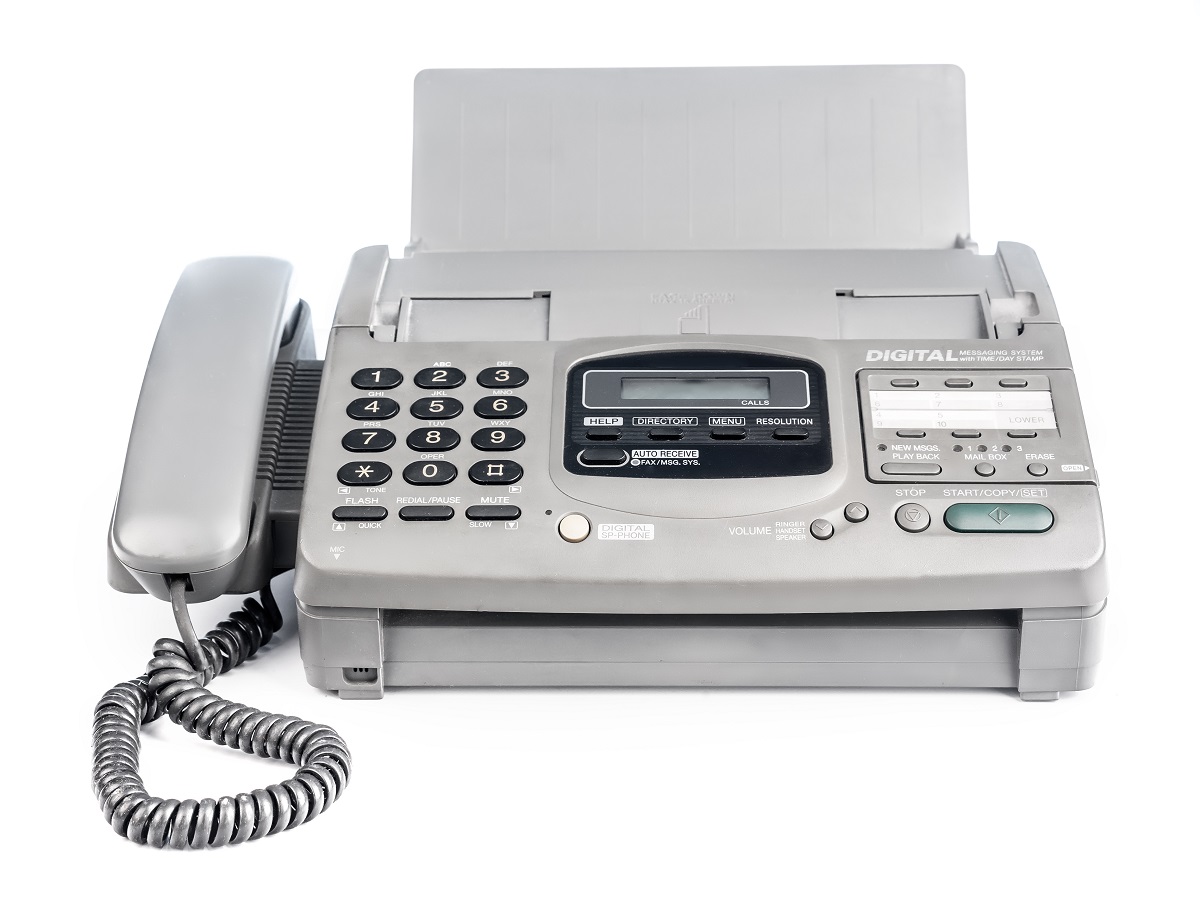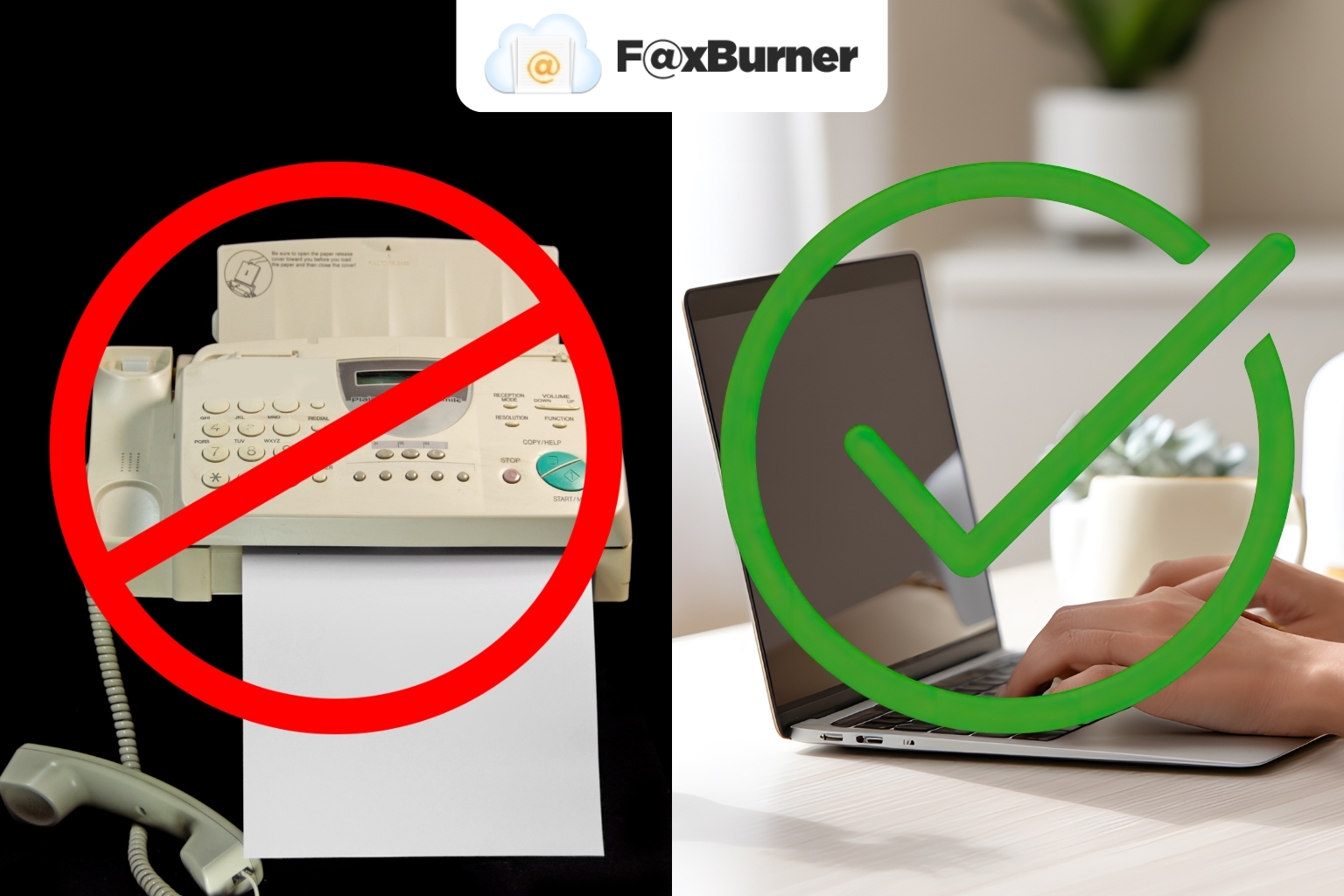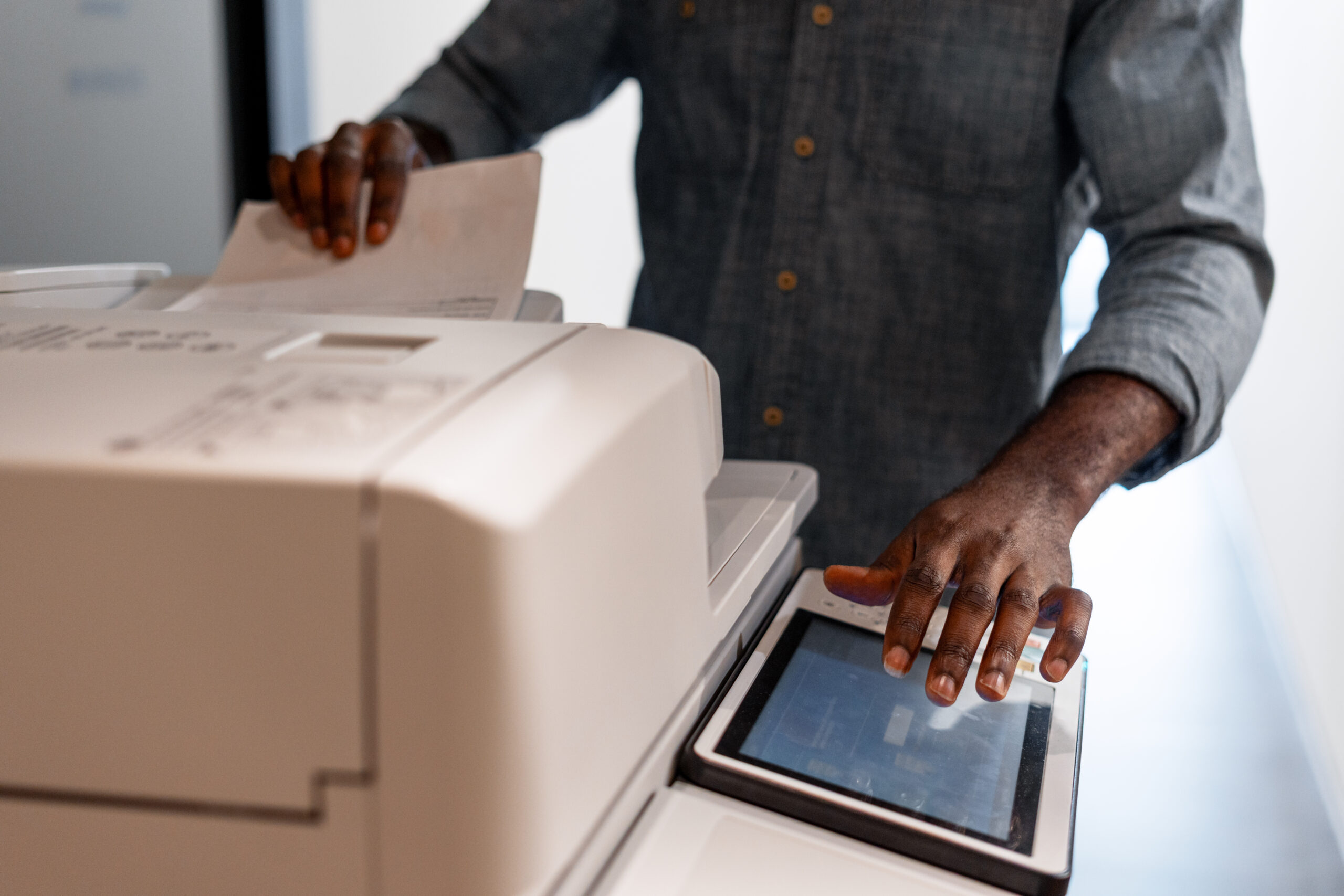

Fax machines, once a ubiquitous fixture in offices worldwide, have seen their time come and go. With the emergence of online fax services like FaxBurner, sending and receiving important documents has never been easier or more efficient.
At FaxBurner, we eliminate the hassles of traditional fax machines by offering a free fax app for iPhone and a convenient email-to-fax service where you can send a fax online at affordable prices. With that knowledge under your belt, let’s look at some fax machine alternatives.
The Problem With Fax Machines
| Problem | Details |
| Outdated Technology | Fax machines rely on outdated technology, making them inefficient compared to modern alternatives. |
| Reliance on Phone Lines | Fax machines depend on landlines, which are becoming less common. |
| High Costs | Maintenance, paper, ink, and phone line costs add up, making them expensive to operate. |
| Time-Consuming | Sending and receiving faxes is slower than digital communication methods like email. |
| Limited Functionality | Fax machines offer basic functionality and lack the features of modern communication tools. |
| Environmental Impact | High paper and ink usage contributes to waste and environmental harm. |
Top Fax Machine Alternatives
Some popular ways to send and receive documents without the need for a fax machine include:
Online Fax Services
Online fax services like Faxburner eliminate the need for a dedicated fax line, and you can send or receive faxes from any location with an internet connection.
You may use the Faxburner app to transform your smartphone or tablet into a mini fax machine. Alternatively, you can send and receive faxes on your computer via an online platform without the need for any special software.
Email provides a practical way to send documents and faxes without relying on traditional fax machines. It’s reliable and user-friendly, making it a strong alternative for modern communication needs.
Most popular email providers, such as Outlook and Gmail, offer features to protect sensitive communications. For advanced functionality, you can set up encrypted email servers with tools like Mailfence or ProtonMail.
Cloud Storage and File Sharing
Platforms like Google Drive, Dropbox, and OneDrive provide a convenient way to store and collaborate on files in real-time. They eliminate the issues of lost faxes or transmission errors, as files are automatically saved and updated, ready for access anytime from any device.
These platforms also act as an offsite backup, helping preserve your data even if physical damage occurs at your location.
Google Docs
Google Docs enables users to create, share, and edit documents collaboratively in real-time. With its cloud-based platform, you can share links instead of printing or faxing, making it an efficient and paperless alternative.
Encrypted Messaging Apps
For smaller files and quick exchanges, encrypted messaging apps like WhatsApp, Telegram, and Signal are emerging as a go-to option.
These apps use encryption technology, which means that only you and the recipient can see what is being sent. This prevents anyone else from reading your messages or accessing them while they are in transit.
File Transfer Protocol (FTP)
FTP is a reliable method for transferring large files between computers, often used in professional settings. It allows businesses to exchange documents quickly without needing email attachments or traditional faxing methods.
Traditional Faxing vs. Online Faxing
| Aspect | Traditional Faxing | Online Faxing |
| Equipment Needed | Requires a fax machine, phone line, paper, and ink. | Needs only a smartphone, computer, or tablet with internet access. |
| Cost | High upfront and ongoing costs for machine, supplies, and maintenance. | Subscription fees may apply but are generally more affordable. |
| Speed | Slower transmission, especially for multi-page documents. | Faster as it uses the internet to send files. |
| Accessibility | Tied to physical location of the fax machine. | Accessible anywhere with an internet connection. |
| Environmental Impact | High due to paper and ink usage. | Low since it’s largely paperless. |
| Setup and Maintenance | Complex setup; prone to breakdowns requiring servicing. | No hardware maintenance needed; managed via apps or web. |
| File Formats | Limited to printed documents; requires printing emails or digital files before faxing. | Accepts a variety of digital formats (PDF, DOCX, etc.) without conversion, as well as the ability to use a phone camera |
| Ease of Use | Requires familiarity with machine operations and troubleshooting. | Simple interfaces on apps or websites make it user-friendly. |
Cost of Faxing: Fax Machine vs. FaxBurner
| Cost Component | Traditional Fax Machine | FaxBurner |
| Initial Equipment Cost | The cost of a fax machine can range from $100 to $2,000, with additional expenses for paper, ink, and a dedicated phone line. | No equipment needed. Access is via smartphone or computer. |
| Monthly Service Fees | Landline charges vary by provider, with additional costs for long-distance or international faxes. | Free Plan: 25 inbound pages per month, with a total of 5 outbound pages allowed for the entire account lifetime.
Professional Plan: $14.95/month for a toll-free number and 500 inbound/outbound pages. Premier Plan: $24.95/month for a toll-free fax number and 2,000 inbound/outbound pages. |
| Maintenance and Supplies | Ongoing expenses for paper, toner, and machine maintenance. Potential repair costs for the machine. | No maintenance or supply costs. All services are managed online. |
In conclusion
The rise of digital solutions has introduced numerous efficient, cost-effective, and eco-friendly alternatives to traditional fax machines. By adopting these solutions, you can enhance the flow of your document management processes while reducing overall operating costs.
However, for those moments when you need to send or receive a fax, Faxburner provides a super-convenient and modern solution.
With our user-friendly app, available for iOS, you can effortlessly manage your faxing needs on the go.
Frequently Asked Questions
What is the best alternative to faxing?
The best alternative depends on your needs. For sending documents digitally, options like encrypted email or cloud storage platforms (e.g., Google Drive or Dropbox) work well. If you need to maintain the ability to fax, online fax services like FaxBurner are a cost-effective and convenient choice.
What has replaced fax machines?
Fax machines have largely been replaced by digital communication methods such as email, file-sharing services, and online fax platforms. These solutions are faster, more efficient, and environmentally friendly.
Can I get a fax without a fax machine?
Yes, you can send and receive faxes without a fax machine by using online services like FaxBurner. These platforms allow you to manage faxes through your smartphone, computer, or tablet.
What is better than a fax machine?
Modern alternatives like online fax services, encrypted email, and file-sharing tools are better than traditional fax machines. They are more cost-effective, accessible, and efficient, with fewer limitations and maintenance requirements.