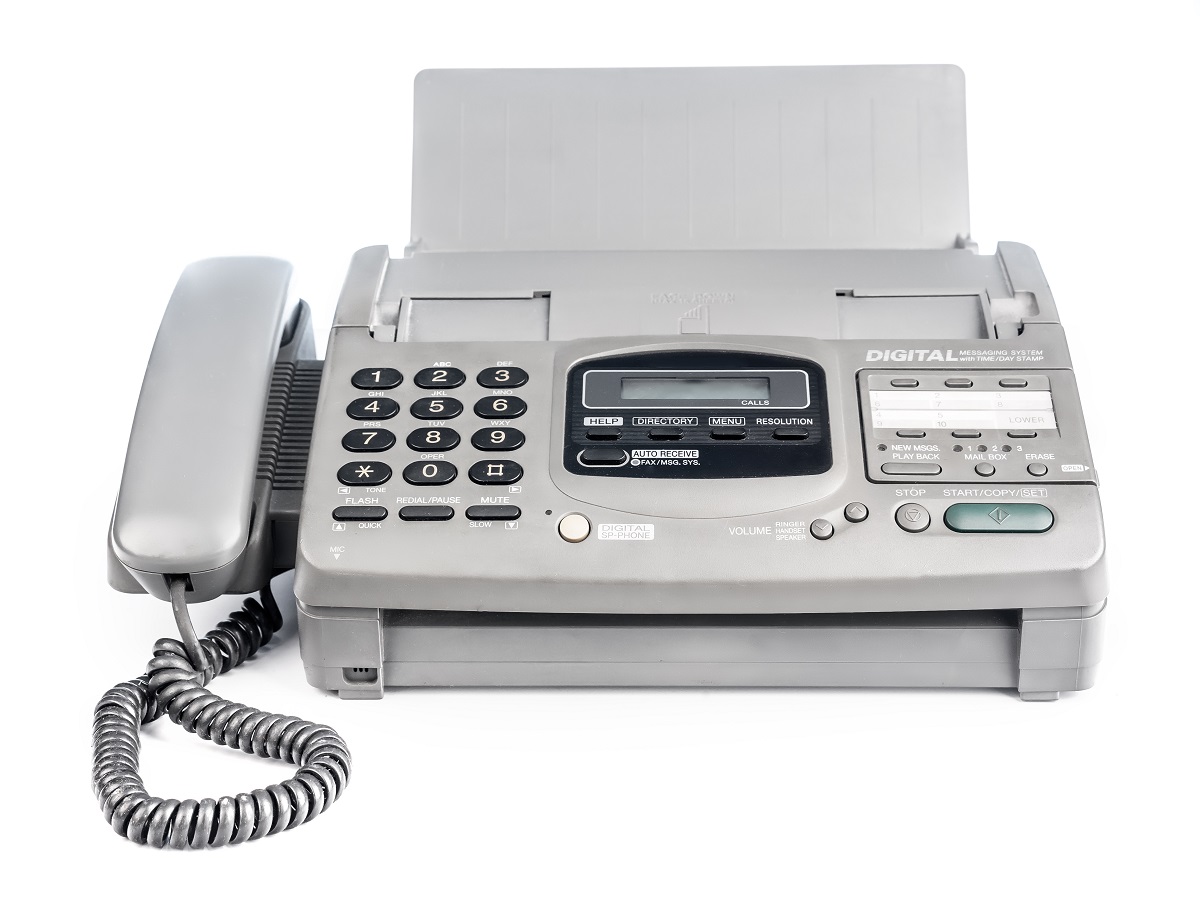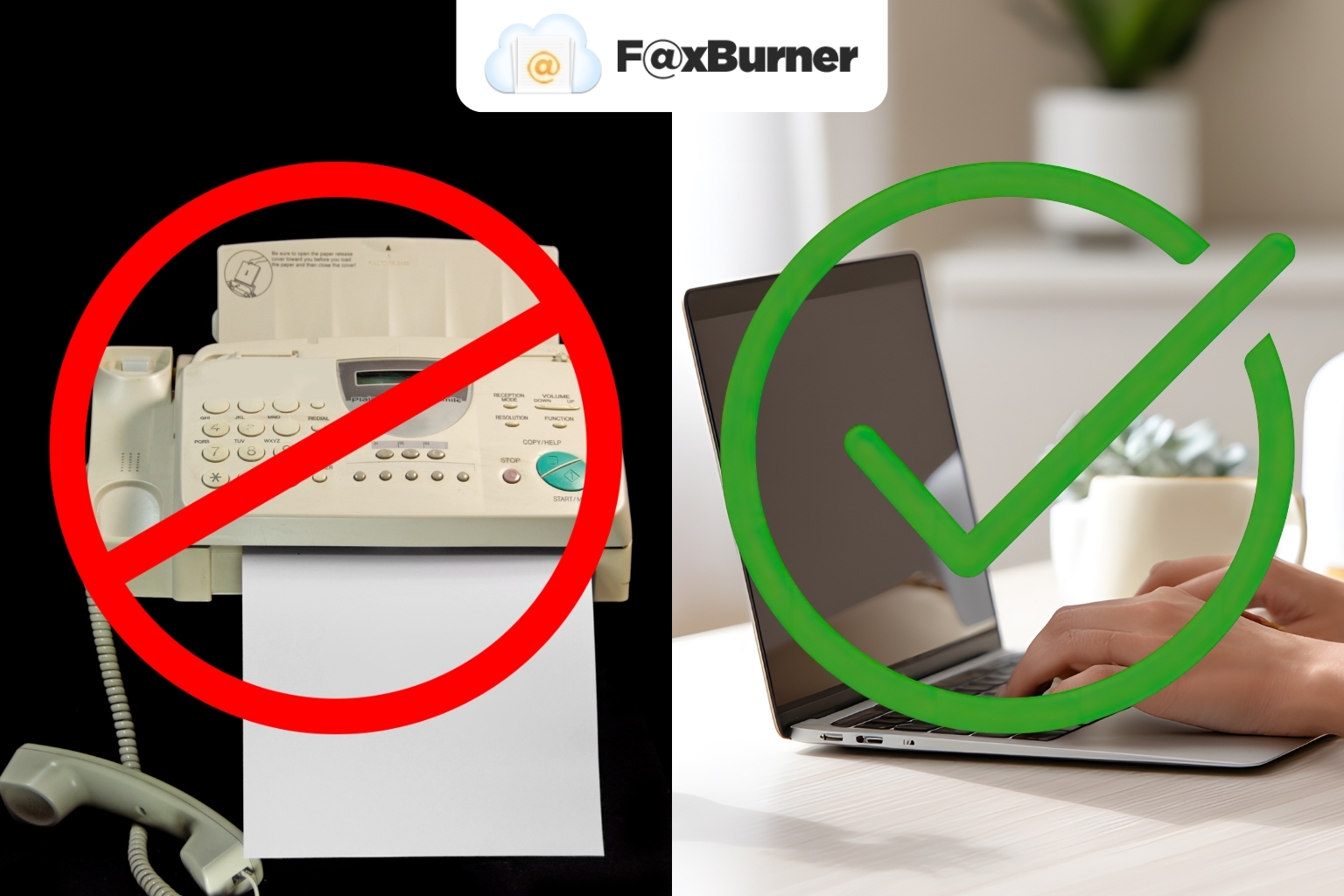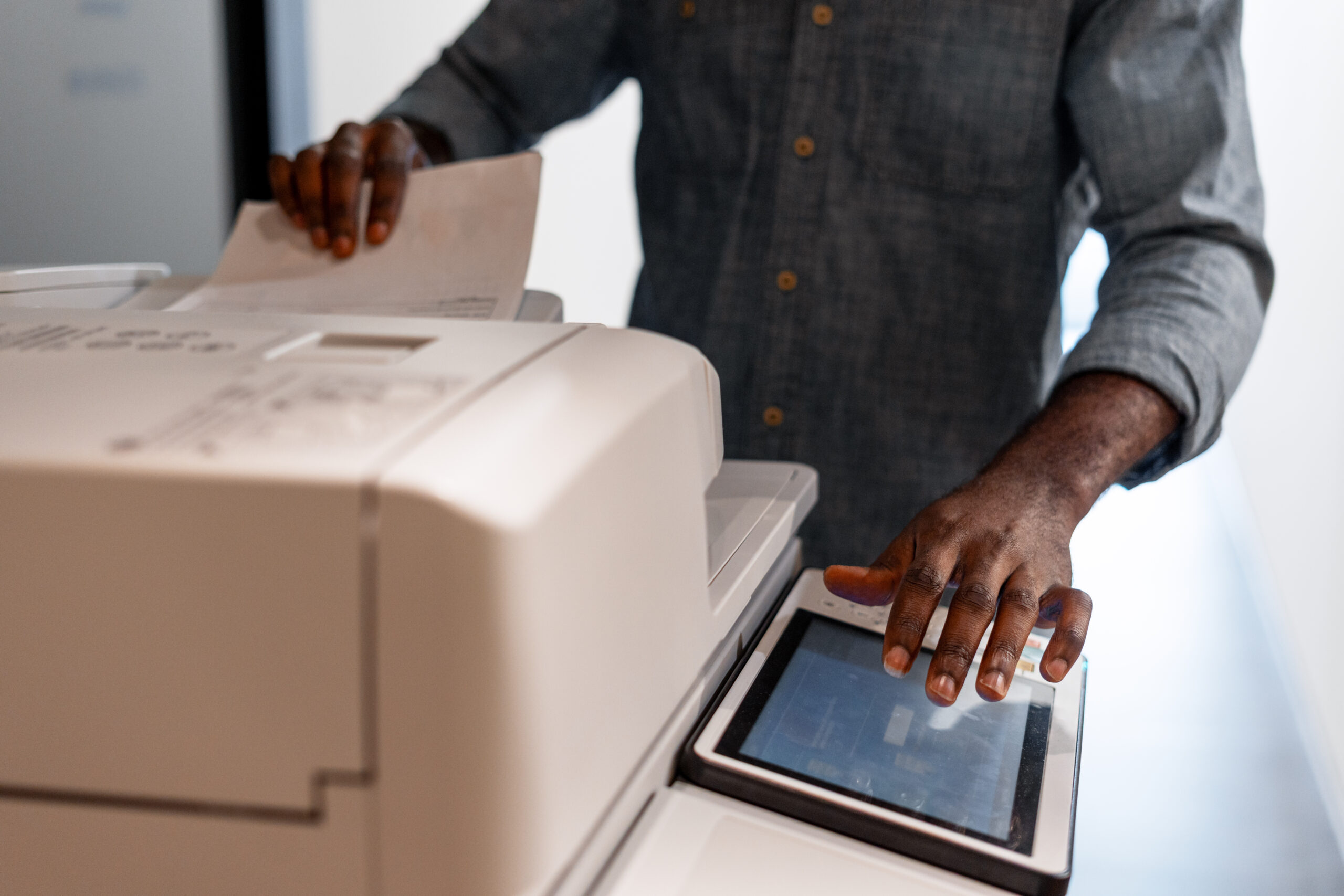

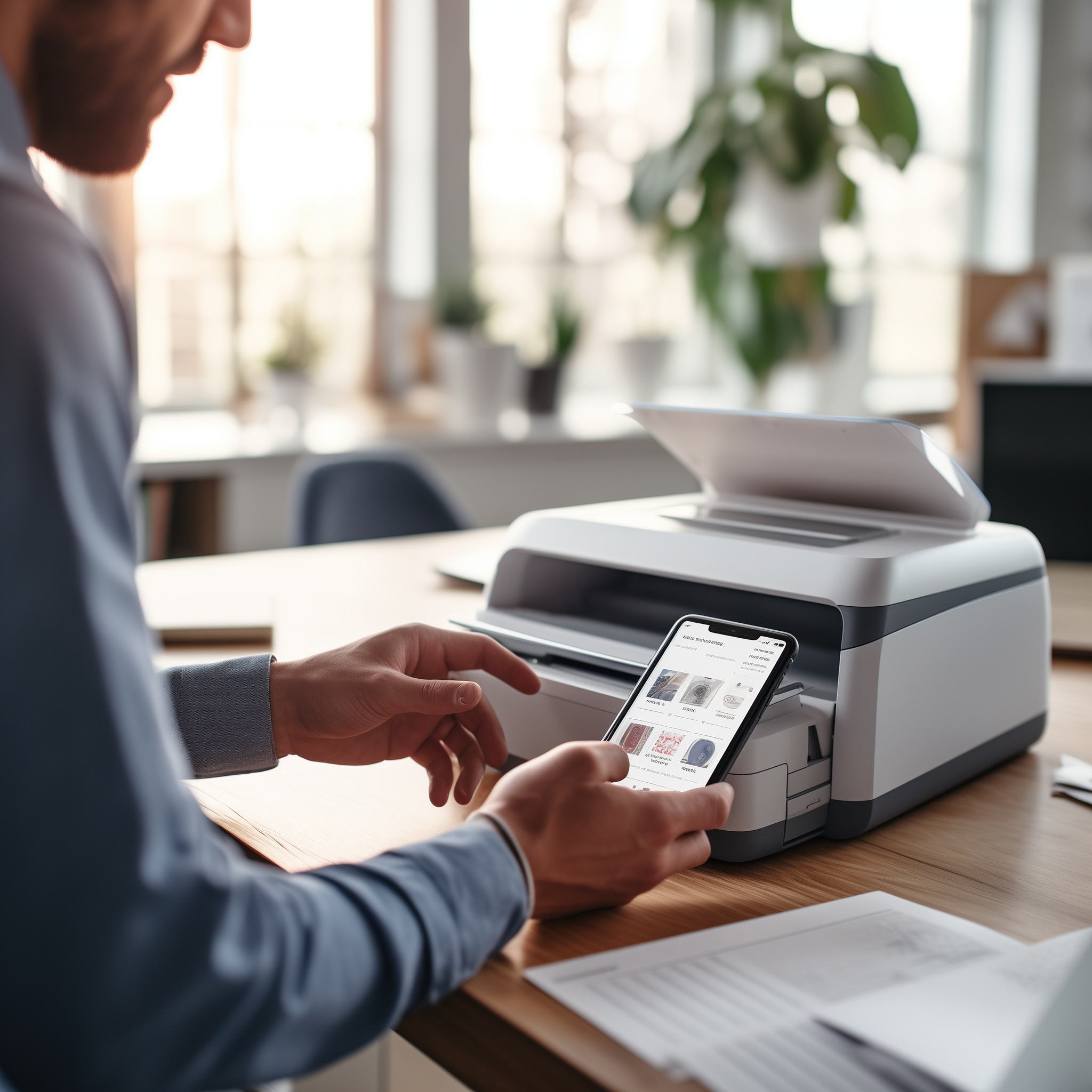
When faxing, you have two options: you can use a fax machine or you can use a fax app. Both have their pros and cons, with each option being better for certain situations. Let us help you decide which is right for you.
Cost Comparison
Traditional fax machines can have high upfront costs, ranging from $50 for a basic model to over $500 for more advanced features.
This is just for the initial purchase. Owning a fax machine also requires ongoing expenses for paper, ink cartridges, and maintenance. The costs really add up over time.
When it comes to fax apps, many of them have no upfront costs and simply charge a small monthly fee. Some apps even have free tiers or free trial periods. This subscription model means you only pay for the months you actually use the service.
With a fax app, there are no recurring costs for supplies. You don’t have to worry about buying paper, ink, toner, or fixing printer jams. It handles all of that digitally in the cloud.
Convenience
Fax machines take up physical space in an office or home and limit the ability to send and receive faxes to that location. In other words, you can only send or receive faxes from the place where the fax machine is located.
Fax apps run on smartphones, tablets, and computers, providing complete portability and the ability to send and receive faxes anywhere an internet connection is available.
With a fax app, you don’t need to be in the same physical location as a bulky fax machine to send and receive faxes. Fax apps also eliminate the need to print out a document before faxing or manually feed pages into a fax machine.
Sending a fax is as easy as uploading a file or taking a picture of a document with a mobile device’s camera. Received faxes get converted into digital files and can be accessed instantly from anywhere.
Reliability
Fax machines function independently. As long as there is power and a phone line connection, a fax machine can send and receive faxes reliably.
They use analog phone signals that are extremely reliable for transmitting information over telephone lines.
Fax apps rely on internet connectivity and cellular networks to send and receive faxes. Any interruption in internet or cell service will prevent a fax app from functioning properly.
They also rely on additional factors like smartphone battery life, storage space, and software, which can cause problems if any of them are not up to par.
Fax Quality
When it comes to fax quality, traditional fax machines have a small advantage over mobile fax apps. Fax machines use dedicated phone lines and are designed specifically for sending and receiving faxes, allowing them to handle high-resolution fax documents with crisp image quality.
Mobile fax apps rely on converting documents to images or PDFs and sending them as email attachments. The quality is still good, but not always as crisp, especially for detailed documents with small text and fine lines, or for images
Features
Fax machines offer pretty basic functionality. You can send and receive faxes, and some models include features like a built-in phone, copy and scan capabilities, or the ability to store faxes if you run out of paper.
However, fax apps unlock far more advanced features through your computer, smartphone, and internet access.
Upgrade Your Faxing Experience
Ready to ditch your bulky fax machine and harness the power of a convenientand feature-rich fax app? Give Faxburner a try!
With our affordable pricing and no upfront costs, you can enjoy the flexibility of sending and receiving faxes anytime, anywhere, on any device. Discover the difference for yourself. Start your free trial now!an>