
Summary
Faxing doesn’t have to mean hunting down a machine, or dealing with outdated equipment or confusing software. Just upload your document, send it through FaxBurner’s online service with your own dedicated and encrypted fax number, and receive instant confirmation plus a PDF record. Online faxing replaces the need for an analog machine or landline, offering no-hassle delivery, easy resending, and reliable access from any device.
How to Fax Documents From Your Computer (and Online) Without a Fax Machine
| Time to Read | ~10 minutes |
| What You’ll Learn |
|
| Next Steps |
|
Picture this: you’ve just been told that you need to send a fax. Perhaps it’s for your business, your child’s school, your home office, vendor contracts, or anyone else. Now you’re staring at your computer screen, wondering where to start.
You don’t have a fax machine. You definitely don’t have a landline (who does these days?). And the idea of making yet another trip out to find a store with a working fax machine feels like a chore you didn’t sign up for today.
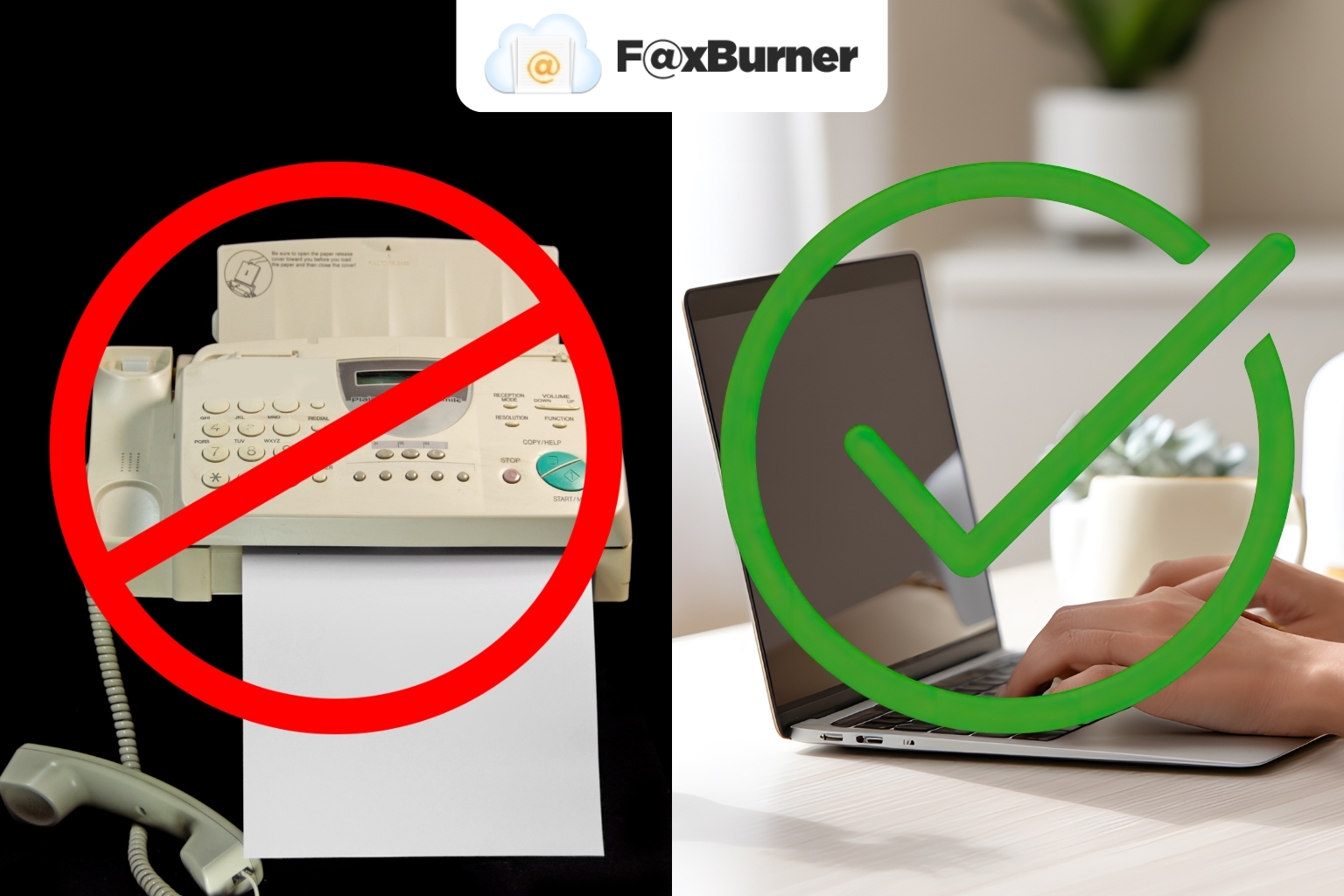
Well, good news: you don’t need that old-school equipment anymore. Faxing may seem outdated, but it’s still an important way to send documents. Better yet, there’s a convenient and modern way to do it.
FaxBurner lets you send and receive documents online, straight from your computer, phone, or tablet. No clunky machine, no phone line, no last-minute errands. And if you’ve never done it before, don’t worry! You’re exactly where you need to be.
Why You Don’t Need a Fax Machine Anymore (Even if You Need to Send Faxes)
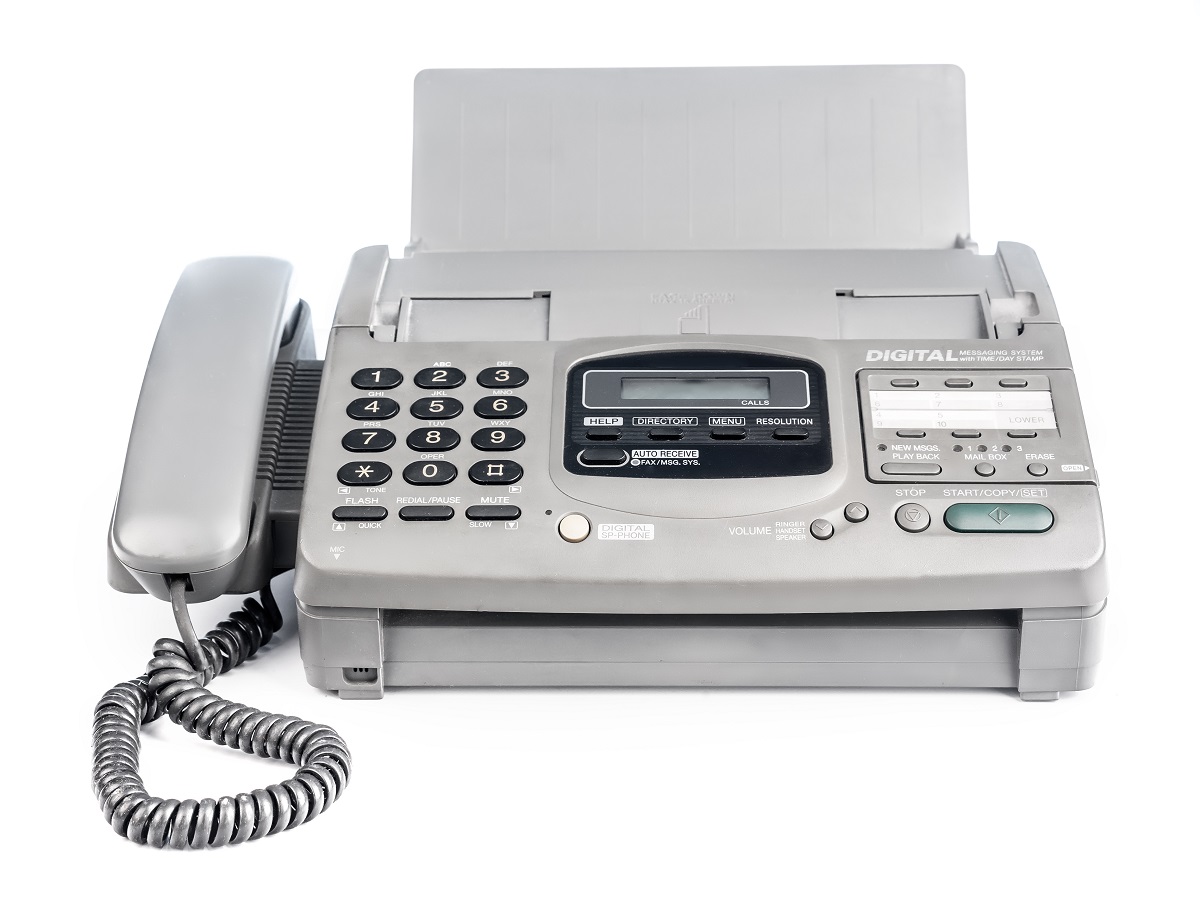
Being asked to send a fax can make you feel like you’ve been whisked back to the 1990s (remember the fashion?). The way faxing was done back in those days required a bulky machine, a dedicated phone line, and a whole lot of patience.
Problems with Traditional Faxing
Sending a fax used to go something like this: you’d feed your pages into the machine, listen to the dial tone connect over an analog phone line, wait for that noise that still haunts every Gen Xer’s nightmares, and hope the confirmation page printed without any errors. It was unreliable, inconvenient, and time-consuming.
The Evolution Towards Online Faxing
Fortunately, this is no longer necessary for anyone with a digital device that connects to the internet. Modern online faxing delivers the same results as a traditional fax machine, except it uses Wi-Fi instead of a landline.
No fuss, no muss. Just a modern workflow that makes something outdated feel simple again.
How Online Faxing Works
Internet faxing, also called virtual faxing, online faxing, or cloud faxing, is just faxing without a physical fax machine. Instead of feeding paper into a machine and relying on a landline, you send and receive documents using any internet-enabled device.
How it works behind the scenes in plain English:
- Upload or email your document (PDF, Word file, scanned image, or photo from your phone).
- Your online fax service converts it to the traditional fax format used by physical fax machines.
- The service delivers it to a real fax number, just like a standard machine would.
- When someone faxes you, the service receives the transmission, converts it to a clean PDF, and sends it straight to your email or app.
Cloud fax services are even more advanced. Storage, conversions, delivery, and even your confirmations are all taken care of right in the cloud, so you never have to worry about setting up or maintaining your own fax server or dealing with complex faxing software.
That means no IT setup, no special equipment, and nothing to update ever. Just fast, reliable faxing from any device you already use. This is why online faxing has become the standard: it’s made to fit the way people work in the modern world.
How to Fax From Your Computer Using FaxBurner (Web or App)
FaxBurner was designed to make sending and receiving online faxes easier. Here’s a quick-start guide to help you fax faster with the app:
Step 1: Create Your Free FaxBurner Account
Sign up on the FaxBurner Website or download the free app from the App Store. It takes less than a minute, and gives you everything you need to start faxing online.
Step 2: Prepare Your Document
Make sure your file is clear and easy to read. A PDF is ideal, but a clean scan from your printer or a clear photo from your phone works, too.
Step 3: Log In and Upload Your File
On your computer or app, open your FaxBurner dashboard, click Send a Fax, and upload the document that you wish to fax.
Step 4: Enter the Recipient’s Fax Number
Include your intended recipient’s full fax number, area code, and country code as well, if applicable.
Step 5: Hit Send
FaxBurner delivers your fax and sends you a digital confirmation via email or in-app notification as soon as it goes through.
All the Ways to Fax Without a Fax Machine
There are so many ways to fax today without a standard fax machine that you shouldn’t even need to look for a store that still offers physical fax services.
Here’s a simple breakdown of each method, what it requires, when it’s useful, and how FaxBurner can support it:
| Method | What You Need | Best For | Pros | Cons | Related FaxBurner Feature |
|---|---|---|---|---|---|
| Faxing from Your Computer (Web Portal) | Computer and a reliable internet connection | Most users, clear PDFs, business docs | Fast, easy uploads, reliable, great for multi-page forms | Requires logging into your browser | FaxBurner Web Dashboard |
| Faxing from Your Email (Email-to-Fax) | Email tied to your FaxBurner account | Quick sends, sending from work email, attaching PDFs easily | No login needed, simple workflow | Must format email correctly (subject line→fax number) | FaxBurner Email-to-Fax |
| Faxing from a Mobile App | Smartphone (iOS or Android) | On-the-go faxing, snapping photos of forms | Most convenient, camera-to-fax capability, 24/7 use | Slightly less ideal for long PDFs | FaxBurner Mobile App |
| Receiving Faxes Online | Email or FaxBurner app | Anyone without a fax machine who needs to receive a fax | Instant PDF delivery, searchable digital archive | Temporary numbers expire on free plans | Temporary or permanent FaxBurner fax numbers |
| Traditional PC Faxing (Fax Modem) | Fax modem, analog phone line, and fax software | Legacy systems or highly regulated environments | Works like a physical fax machine | Slow setup, requires hardware and phone line | Not needed with FaxBurner |
| Physical Fax Machine | Fax machine and analog phone line | Those already using fax machines or homes with printer / fax combo | Familiar process | Hardware, cost, maintenance, landline required | N/A (Replaced by online faxing with FaxBurner) |
Faxing Documents for Business, Home Office, and Everyday Paperwork
If you’ve ever needed to fax business or vendor contracts, or even something as simple as a task from your home office, you know how important it is for documents to arrive quickly and reliably. Many organizations still accept or even prefer faxed files for things like signed contracts, onboarding paperwork, vendor agreements, and other time-sensitive forms.
Online faxing is familiar, straightforward, and always leaves behind a clear transmission record, which means no waiting on the mail and definitely no worrying about lost pages.
Online faxing is especially helpful in these scenarios because every fax you send includes an instant confirmation the moment that your document is delivered. With FaxBurner, that confirmation goes directly to your dashboard as a digital PDF, so you’ll always have a record on hand if someone requests it later or needs a quick resend (or even a forward to another fax number or email address).
And if a vendor, partner, or business contractor asks for a corrected version, you can transmit the updated file within seconds. It’s that easy.
Whether you’re sending a signed agreement, returning onboarding forms, or sharing some other important documents with a vendor or client, online faxing with FaxBurner will always keep the process simple and convenient from any device you already use.
Is Online Faxing Safe & Reliable?
Instead of leaving printed pages sitting on a public machine or relying on a physical line that anyone can access, your documents are stored digitally and are always delivered through encrypted channels, keeping them more private than paper faxes.
With FaxBurner, you always know that:
- Every fax you send includes a digital confirmation so you always know exactly when it was delivered.
- Incoming faxes arrive as PDFs safely stored in your app or email, where you can re-download them anytime you need.
- You’ll never have to deal with lost pages, jammed machines, or misplaced confirmation slips. Ever.
Make Faxing Easier with FaxBurner
With digital confirmations, cloud storage, and the ability to send or receive your documents at any time, online faxing really is the modern way to handle paperwork that still needs to be faxed, without feeling like you’re back in the 1990s (so no more butterfly clips or JNCO jeans).
It’s fast, it’s reliable, and it fits your life instead of forcing you to adapt to an outdated way of doing things.
To meet the rest of us in 2025 and put analog faxing in the past where it belongs, try FaxBurner’s free plan and send your first fax right from the comfort of your couch today.
And when you’re ready for a permanent fax number, higher limits, or regular use, upgrading is just a few clicks away.
Faxing doesn’t have to be complicated. FaxBurner makes sure it isn’t.